Softing OPC Client
Softing OPC DA Client configuration
Start the Softing OPC Client.
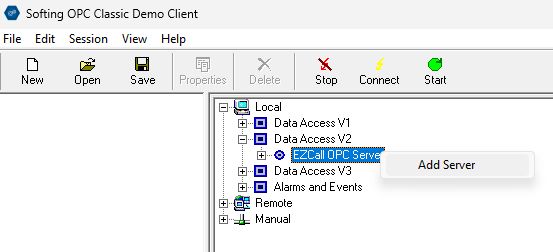
In TAB "OPC Servers" open Tree Local\DataAccess V2. You should see the registered EZCall OPC Server on this node. Click right mouse button and choose "Add Server".
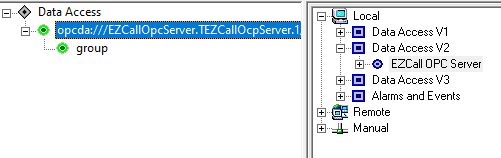
In the left window you'll see the started server (green = success) with a default group named "group".
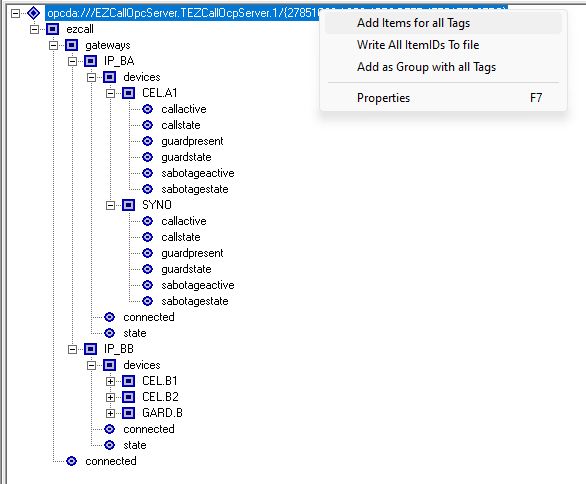
Now change TAB to "DA Browse", select the root node of the opc server tree, click right mouse button and choose "Add Items for all Tags".
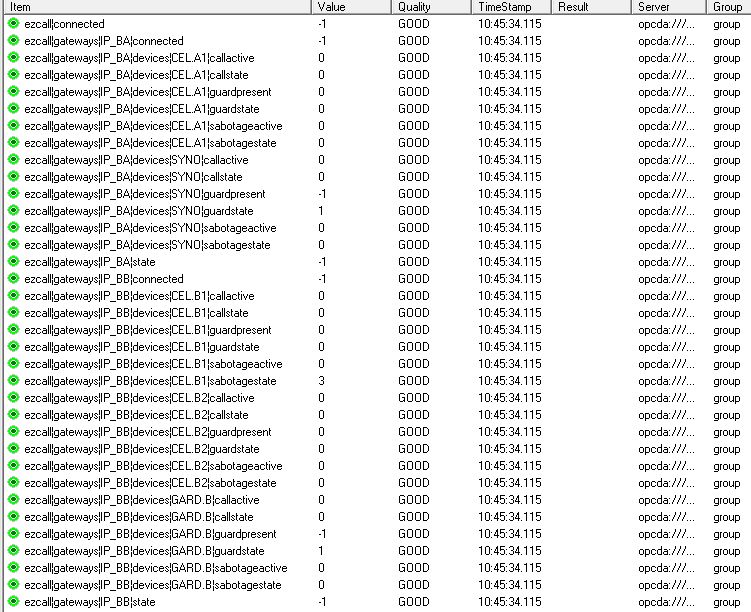
Now change TAB to "DA Items". Here you see all added Items from the OPC Server with the values.