GetConfiguration
Getting subsystem connection configuration
Start EZCallOpcConfig. After the first time you should see the dialog below:
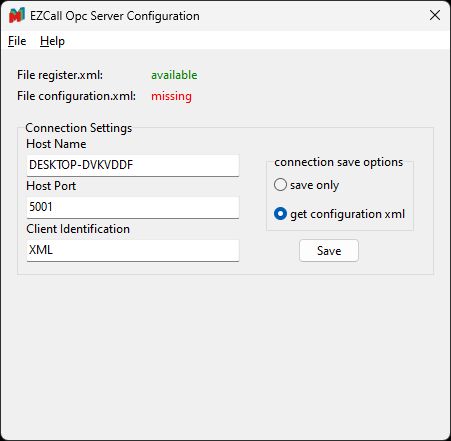
- "register.xml" comes with the setup and should be there.
- "configuration.xml" will be created the first time after received all information from the medicall subsystem.
Steps:
- Edit the connection settings according to the vendor instructions
- Host Name: Hostname or IP Address of the medicall gateway
- Host Port: TCP Port of the medicall gateway
- Client Identification: configured client ID for the OPC Server
- Check "get configuration.xml"
- Press "Save"
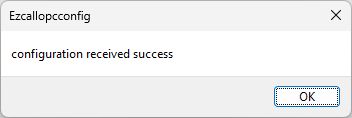
EZCallOpcConfig will now connect with the given credentials to the medicall subsystem and receive the initial configuration. If successful you'll se this message:
|
Remarks: |